iOS 27 Release Date in India: Time, Supported iPhones & How to Download
iOS 27 Is Finally Here
Apple’s latest iPhone software update is finally arriving today, and if you’re using a compatible iPhone, you won’t have to wait much longer to try it.
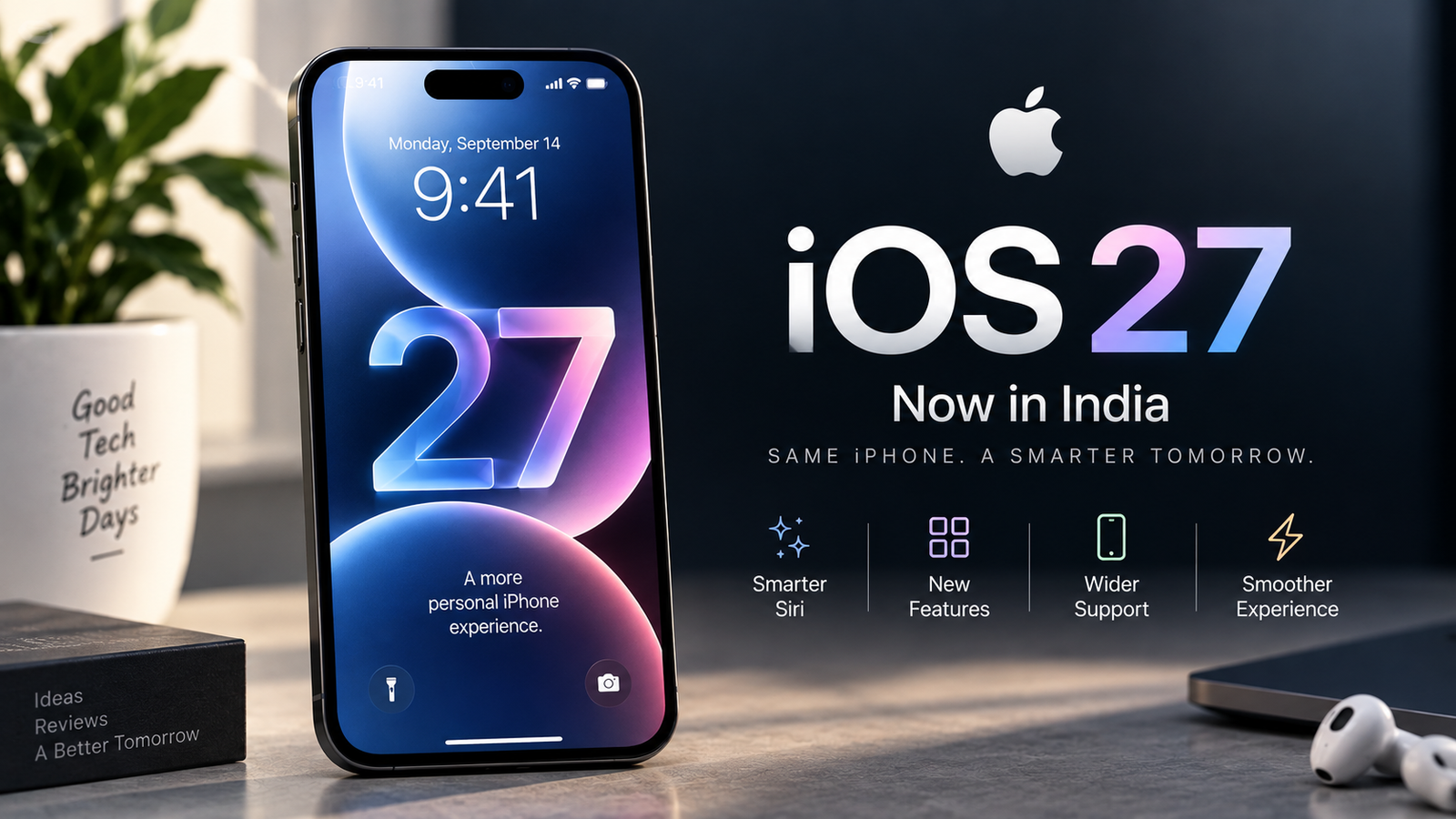
iOS 27 is available from September 14 in India, bringing a major Siri AI upgrade along with several other changes to the iPhone experience. Apple has also added new Apple Intelligence capabilities, improvements across apps, and more customization options.
For many iPhone users, though, the biggest question isn’t just what’s new. It’s when iOS 27 will actually become available in India, which iPhones will get it, and whether you should install it immediately.
So, if you’re waiting for the update notification to appear on your iPhone, here’s everything you need to know about the iOS 27 release date in India, expected release time, supported iPhones, major new features, and the safest way to install it.
iOS 27 Release Date in India
Apple has confirmed that iOS 27 will be released in India on September 14, 2026, as a free software update for compatible iPhone models.
The update is rolling out globally, and Indian users can expect it to become available through the usual Settings → General → Software Update section on their iPhones.
What Time Will iOS 27 Be Available in India?
Apple has not officially announced an exact release time for iOS 27. However, based on Apple’s usual software-release schedule, the update is expected to become available at around 10:30 PM IST on September 14.
So, if you’re waiting for iOS 27 in India, 10:30 PM tonight is the time to keep an eye on your iPhone.
There could still be a slight delay as Apple rolls the update out to its servers, so don’t worry if the update doesn’t appear exactly at 10:30 PM.
If you want to know what else Apple announced alongside iOS 27, I’ve also covered my thoughts on Apple’s latest event, including the iPhone Duo, iPhone 18 Pro, Apple Watch Series 12, and AirPods 5.
Quick answer: iOS 27 release date in India is September 14, 2026, with the update expected around 10:30 PM IST.
Which iPhones Will Get iOS 27?
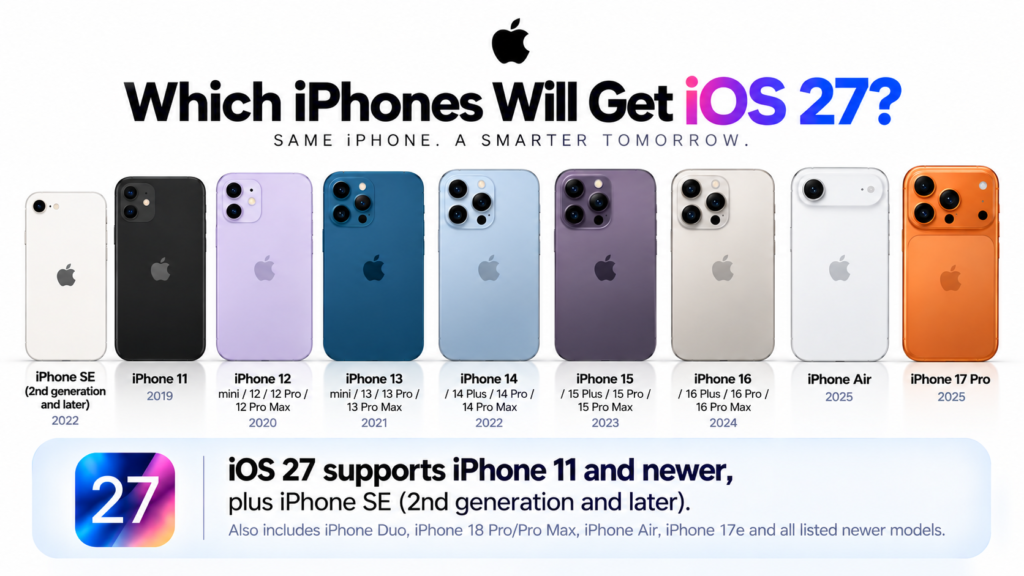
The good news is that Apple has kept the iOS 27 compatibility list quite broad. iOS 27 supports the iPhone 11 and newer models, along with the iPhone SE (2nd generation and later).
Here’s the complete list of compatible iPhones:
- iPhone Duo
- iPhone 18 Pro Max
- iPhone 18 Pro
- iPhone 17 Pro Max
- iPhone 17 Pro
- iPhone Air
- iPhone 17
- iPhone 17e
- iPhone 16 Pro Max
- iPhone 16 Pro
- iPhone 16 Plus
- iPhone 16
- iPhone 16e
- iPhone 15 Pro Max
- iPhone 15 Pro
- iPhone 15 Plus
- iPhone 15
- iPhone 14 Pro Max
- iPhone 14 Pro
- iPhone 14 Plus
- iPhone 14
- iPhone 13 Pro Max
- iPhone 13 Pro
- iPhone 13
- iPhone 13 mini
- iPhone 12 Pro Max
- iPhone 12 Pro
- iPhone 12
- iPhone 12 mini
- iPhone 11 Pro Max
- iPhone 11 Pro
- iPhone 11
- iPhone SE (2nd generation and later)
So, if you’re still using an iPhone 11, iPhone 11 Pro, iPhone 11 Pro Max, or a second-generation iPhone SE, you’re not being left behind this year. Your iPhone is officially eligible for iOS 27.
But There’s an Important Catch
Getting iOS 27 doesn’t necessarily mean getting every new feature.
Some of the more advanced Apple Intelligence and Siri AI features require newer hardware. Apple says Apple Intelligence and Siri AI in iOS 27 are available on iPhone 16 models and later, as well as the iPhone 15 Pro and iPhone 15 Pro Max.
That means an older iPhone can receive the iOS 27 update, but the complete feature set may not be available on it.
What’s New in iOS 27?
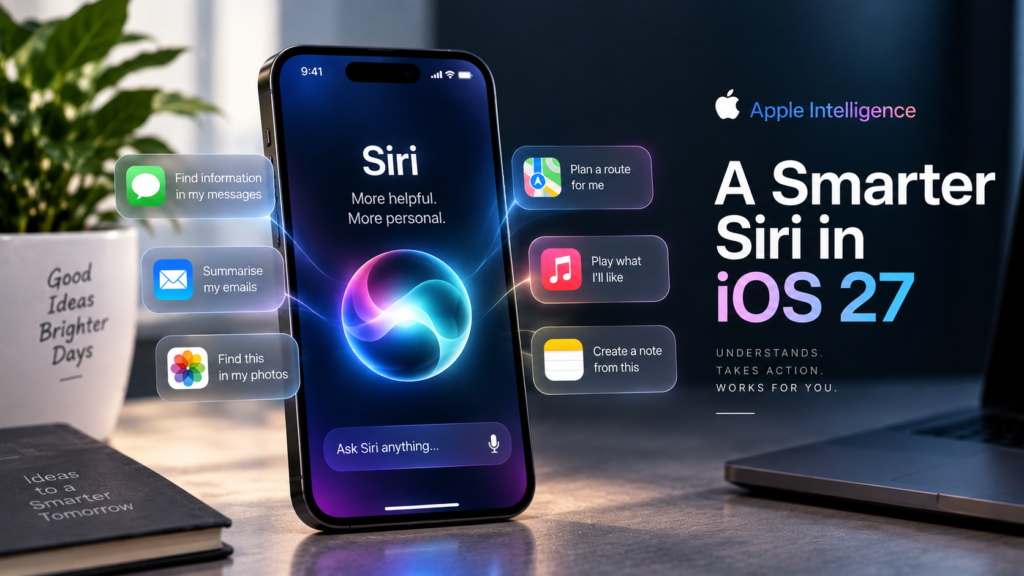
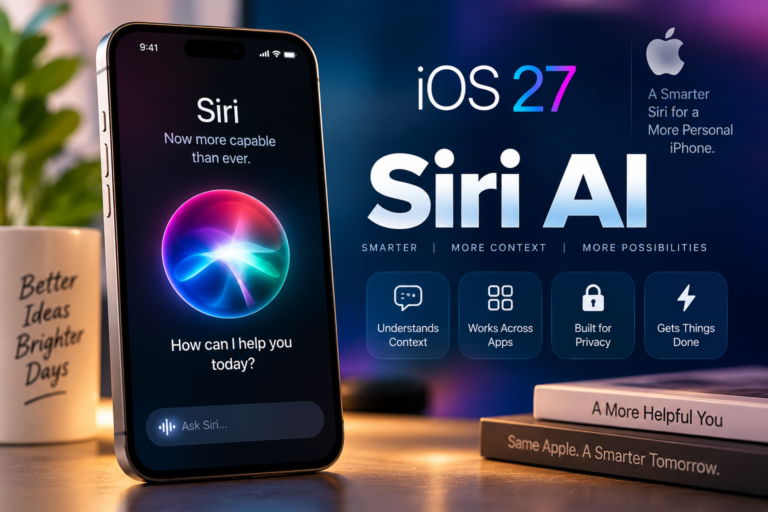
The biggest change in iOS 27 is clearly Siri AI. Apple has rebuilt Siri around Apple Intelligence, making it more conversational and capable of understanding personal context, on-screen information, and actions across apps.
Here are some of the biggest changes you should know about:
Siri AI Gets a Major Upgrade
Siri can now understand more natural conversations and use information from your messages, emails, photos, and other apps to provide more relevant answers. It can also perform actions across apps, rather than simply answering questions.
Apple has also introduced a dedicated Siri app, where you can revisit previous conversations and continue them across Apple devices.
One particularly interesting addition is Siri mode in the Camera app. You can point your iPhone at something and use Siri and Visual Intelligence to search for information or ask questions about what you’re seeing.
More Apple Intelligence Features
Apple Intelligence is getting deeper into everyday iPhone tasks. In Photos, for example, Apple has added new AI-powered editing tools such as Spatial Reframing and an upgraded Clean Up feature.
There are also improvements to writing tools, Safari, Image Playground, and other system apps.
Liquid Glass Gets Refined
iOS 27 continues Apple’s Liquid Glass design introduced with the previous generation of iOS, but Apple has made some refinements.
The company says readability and contrast have been improved, app icons are sharper, and users now get a slider to adjust the appearance of Liquid Glass from ultra-clear to fully tinted.
Performance Improvements
Apple is also promising improvements under the hood. According to Apple, app launches can be up to 30% faster, new photos can load up to 70% faster, and AirDrop transfers can be up to 80% faster.
These numbers are Apple’s own claims, so real-world performance will naturally depend on the iPhone model and usage.
How to Download and Install iOS 27
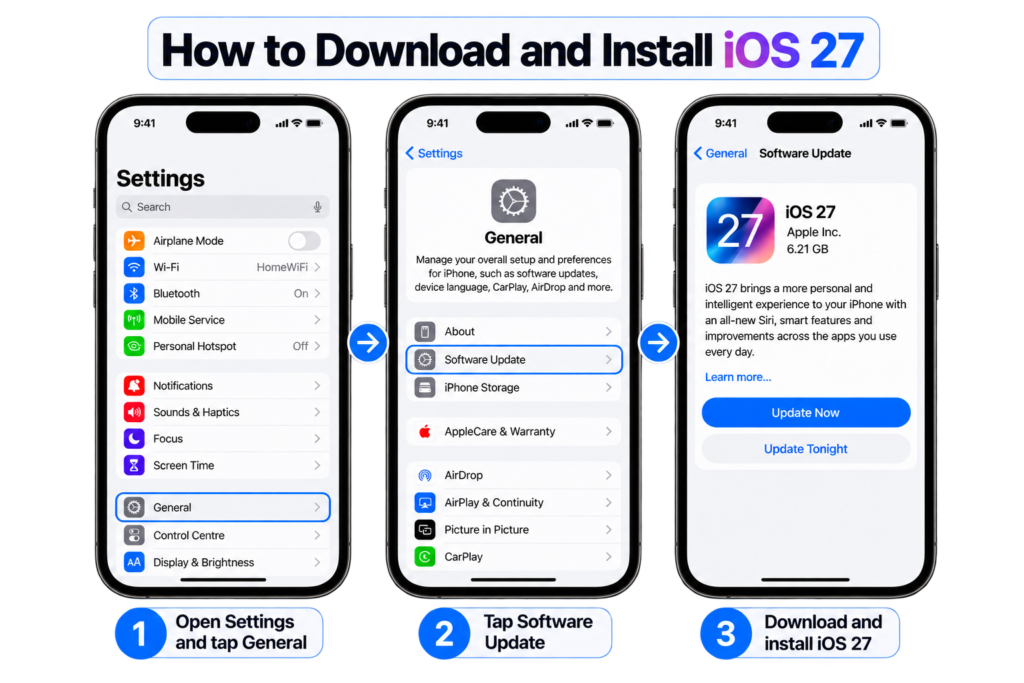
Once iOS 27 becomes available on your iPhone, installing it is fairly straightforward.
- Open the Settings app on your iPhone.
- Go to General.
- Tap Software Update.
- Wait for your iPhone to check for available updates.
- When iOS 27 appears, tap Update Now or Download and Install.
- Enter your passcode if prompted and let the installation complete.
I’d recommend connecting your iPhone to Wi-Fi and keeping it connected to a charger during the update, especially if the download is large.
Also, don’t panic if the update doesn’t appear immediately. Major iOS releases can take some time to become visible for everyone, particularly when millions of users are trying to download the update at the same time.
Before You Install iOS 27
Before hitting that update button, I’d suggest doing a few basic things:
- Back up your iPhone to iCloud or a computer.
- Make sure you have enough free storage for the update.
- Keep your iPhone charged or connected to power.
- If you rely on your iPhone for work, consider waiting a little before updating on day one.
That last point is particularly important. A major iOS update can occasionally bring unexpected bugs, battery drain, or app compatibility issues in its early days.
Should You Update to iOS 27 Right Away?
If your iPhone is compatible with iOS 27, there’s no reason to avoid the update forever. But I also wouldn’t say that everyone needs to install it the moment it becomes available.
If you’re excited about the new Siri AI features, Apple Intelligence improvements, and the other changes, updating makes sense. For supported newer iPhones, this is also where you’ll get the most out of what Apple is introducing with iOS 27.
However, if your iPhone is your primary work device and you depend on it every day, waiting a few days can be the smarter choice. Early versions of major software updates can sometimes come with bugs, battery-related issues, or compatibility problems with third-party apps.
Personally, I’d rather give a major iOS update a little time to settle than rush into it just because it arrived on day one.
And if you’re using an older iPhone, remember that getting iOS 27 doesn’t mean getting every feature. Some of the most advanced Apple Intelligence capabilities are limited to newer hardware.
So my advice is simple: back up your iPhone, check what features your model supports, and then decide whether you want to update today or wait for the first few fixes.
Final Thoughts
iOS 27 is a substantial update, but I think its appeal will depend heavily on the iPhone you’re using.
For newer iPhones, the deeper Apple Intelligence integration and the Siri AI upgrade make this a more interesting update. For older supported models, you still get the new version of iOS, but some of the headline features won’t be available.
The iOS 27 release date in India is September 14, so if you’re waiting for the update, you can start checking Settings → General → Software Update from tonight.
I wouldn’t rush into installing it without a backup, though. Give your iPhone a little preparation, and if you rely on it for important work, there’s nothing wrong with waiting a few days to see how the first version performs in the real world.
For me, that’s always the better approach with a major software update: new features are exciting, but stability matters just as much.